
When schools discuss AI literacy, the conversation often jumps straight to access. Which tool will pupils use? How will they log in? Do we need thirty accounts?
Perhaps not.
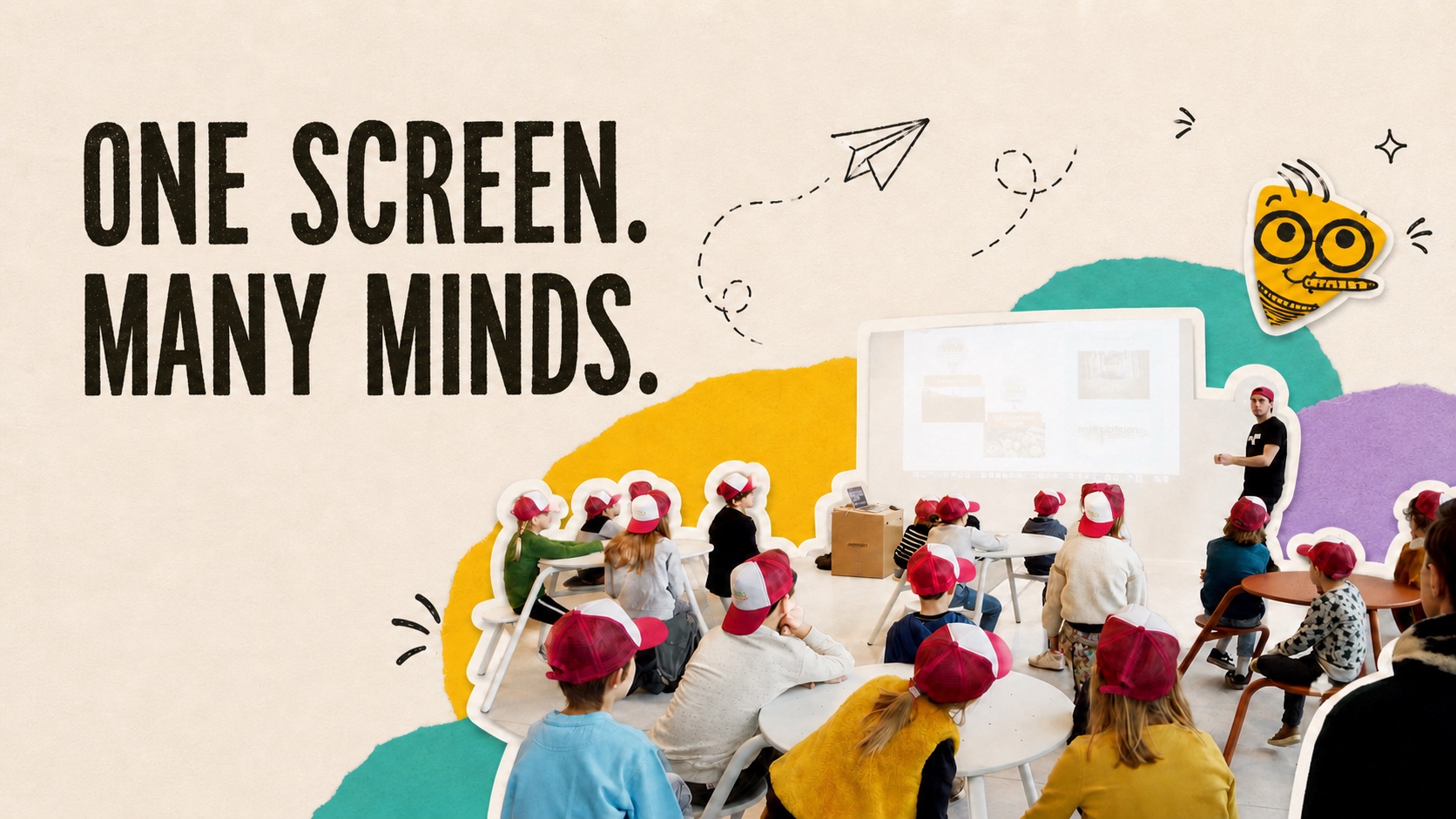
For a first lesson, thirty accounts may create thirty privacy problems and very little extra learning. One teacher, one school-approved account and one large screen can be enough for a room full of children to investigate what generative AI does.
This is not an anti-technology position. It is a lesson-design position. If the goal is to help pupils question AI output, the class needs something to inspect together. They do not all need a private conversation with a chatbot.
Access is not the learning objective
Giving every child an account can look like participation. In practice, it can turn a lesson into password recovery with a side order of clicking.
The more serious issue is data. Kennisnet advises schools to manage AI accounts centrally, avoid personal and confidential information in prompts, and prevent pupils or staff from opening accounts outside school oversight. It also notes that AI services may process more than the text a user types. Email addresses, IP addresses, device details and interaction data can also identify a person.
For primary pupils, there is another constraint. Kennisnet's school guidance states that children under 13 should use generative AI only under adult supervision.
A shared-screen lesson does not magically make any tool appropriate. The school still needs to approve the service, check its terms and choose privacy-friendly settings. But the format makes control possible. The teacher handles the account. The class uses fictional information. Everyone can see what enters the system and what comes back.
Better yet, every pupil can take part in the part that matters: deciding whether the answer deserves to be trusted.
A 30-minute prompt lab
The activity needs one deliberately imperfect task. Ask the tool for something pupils can evaluate with knowledge they already have.
For example:
Suggest a plan for making our fictional school playground quieter at break time. The playground is small, has no grass and must still allow ball games.
Do not use the name of the real school, a real pupil or a real incident. A fictional but concrete situation is enough.
1. Predict before prompting
Show the prompt but do not send it yet. Ask pairs to predict what the system might suggest. Collect a few ideas on the board.
This step matters because it gives children a position before the machine speaks. Otherwise, the first fluent answer can quietly become the starting point for everyone else's thinking.
2. Inspect the answer together
Send the prompt through the approved teacher account. Read the response aloud. Resist the urge to explain immediately.
Ask the class to mark each suggestion with one of four labels:
- useful;
- unclear;
- impossible in our situation;
- needs checking.
Pupils can hold up coloured cards, move sticky notes or annotate a printed copy. The tool is on screen, but most of the learning happens away from the keyboard.
3. Challenge one weak point
Choose an answer that sounds plausible but ignores a constraint. Perhaps the AI recommends planting a large garden even though the fictional playground has no grass and very little space.
Ask pupils what the system missed. Then let them rewrite the request:
Revise the plan. There is no soil, the playground cannot become larger and children must still be able to play football.
Compare the two outputs. Did the revision help? Did it create a new problem? Which pupil suggestion was better than both AI answers?
4. Give the class the final call
End with a decision, not another prompt. Each group chooses one idea to keep, change or reject and gives a reason.
That last reason is the evidence of learning. The point was never to make the chatbot produce a perfect playground plan. The point was to practise noticing constraints, testing a claim and taking responsibility for a choice.
Why one screen can produce more thinking
A one-device lesson sounds less advanced than a class full of chat windows. It may be more demanding.
When every pupil chats alone, the teacher cannot easily see which outputs they received, what information they entered or why they accepted an answer. A shared output creates a common object of inquiry. Pupils hear different judgements from their classmates. They must defend a choice in public. The machine loses some of its mysterious authority because everyone can watch it miss something obvious.
This approach also fits a useful lesson from computational thinking: digital understanding does not always require a device in every hand. Klasse describes how teachers can introduce algorithms through unplugged activities, including paper instructions and physical tasks. The concept comes first. The software is one possible material.
The same principle works for AI literacy. Children can learn to predict, inspect, compare and decide while the teacher operates the tool.
The safety checklist is short, but real
Before running the lesson:
- use a tool approved by the school;
- check current age rules, licensing and data settings;
- use a centrally managed teacher account;
- enter no personal, sensitive or confidential information;
- use fictional names and situations;
- prepare a non-AI version in case the service fails;
- tell pupils what data is being sent and why.
The European Commission's guidance on AI literacy stresses that the right level of knowledge depends on the context, the people involved and the system's risks. For a primary classroom, responsible introduction does not have to mean direct individual access. It can mean a carefully framed encounter in which children learn what to look for before they are asked to operate anything themselves.
Start with a collective argument
Schools do not need to wait until every pupil has an account, a device and a polished prompt template. They can begin with one answer on one screen and a room full of sceptical minds.
Try the prompt lab once. At the end, collect the questions pupils used to challenge the output. Those questions are more useful than a folder of AI-generated playground plans.
They are the beginning of AI literacy.
Sources
- Kennisnet, Privacy and AI: what schools should watch.
- Kennisnet, School agreements on the use of generative AI.
- European Commission, AI Literacy: Questions & Answers.
- Klasse, Computational thinking: especially in the age of AI.